Track the reason
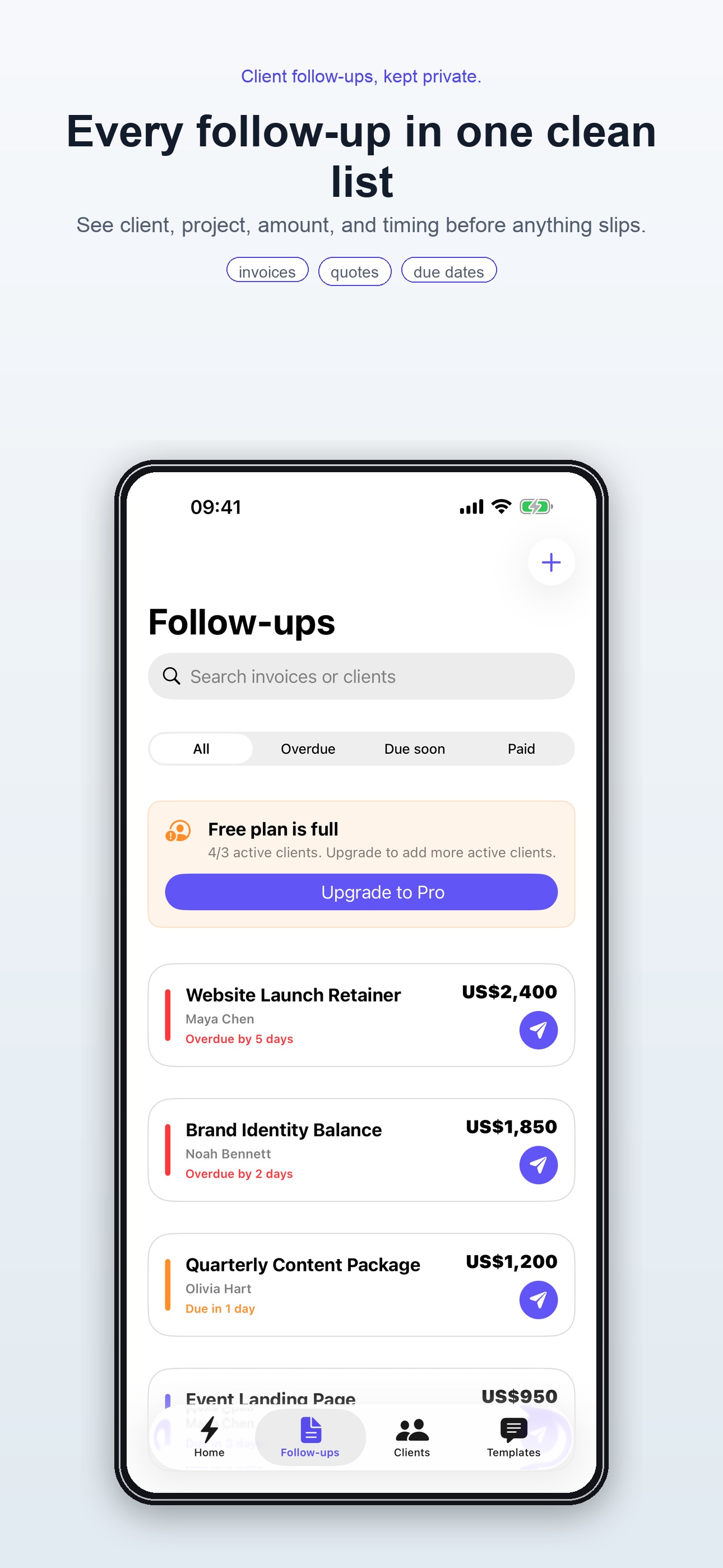
Not just a name and a date. Keep the invoice, quote, proposal, or client reply attached to the reminder so the context is waiting when you come back.
 FanStudio Apps
View on App Store
FanStudio Apps
View on App Store
Private client follow-up for iPhone
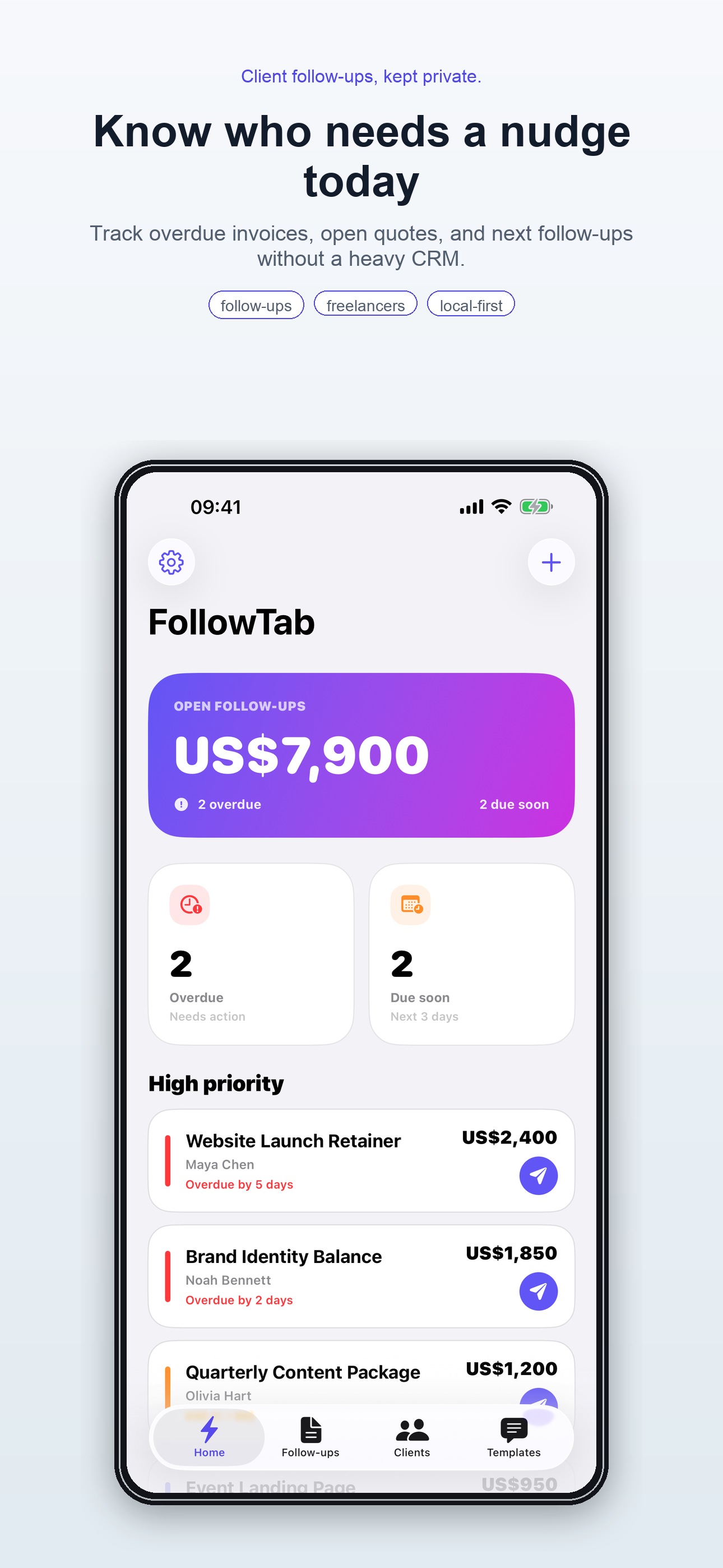
For freelancers, consultants, designers, photographers, and solo service businesses who need to remember the follow-up without living in a CRM.
Why it exists
A late reminder can mean a delayed payment, a cold lead, or an awkward message that gets written in a rush. FollowTab gives you a calm place to park the next step while the work is still fresh.
Not just a name and a date. Keep the invoice, quote, proposal, or client reply attached to the reminder so the context is waiting when you come back.
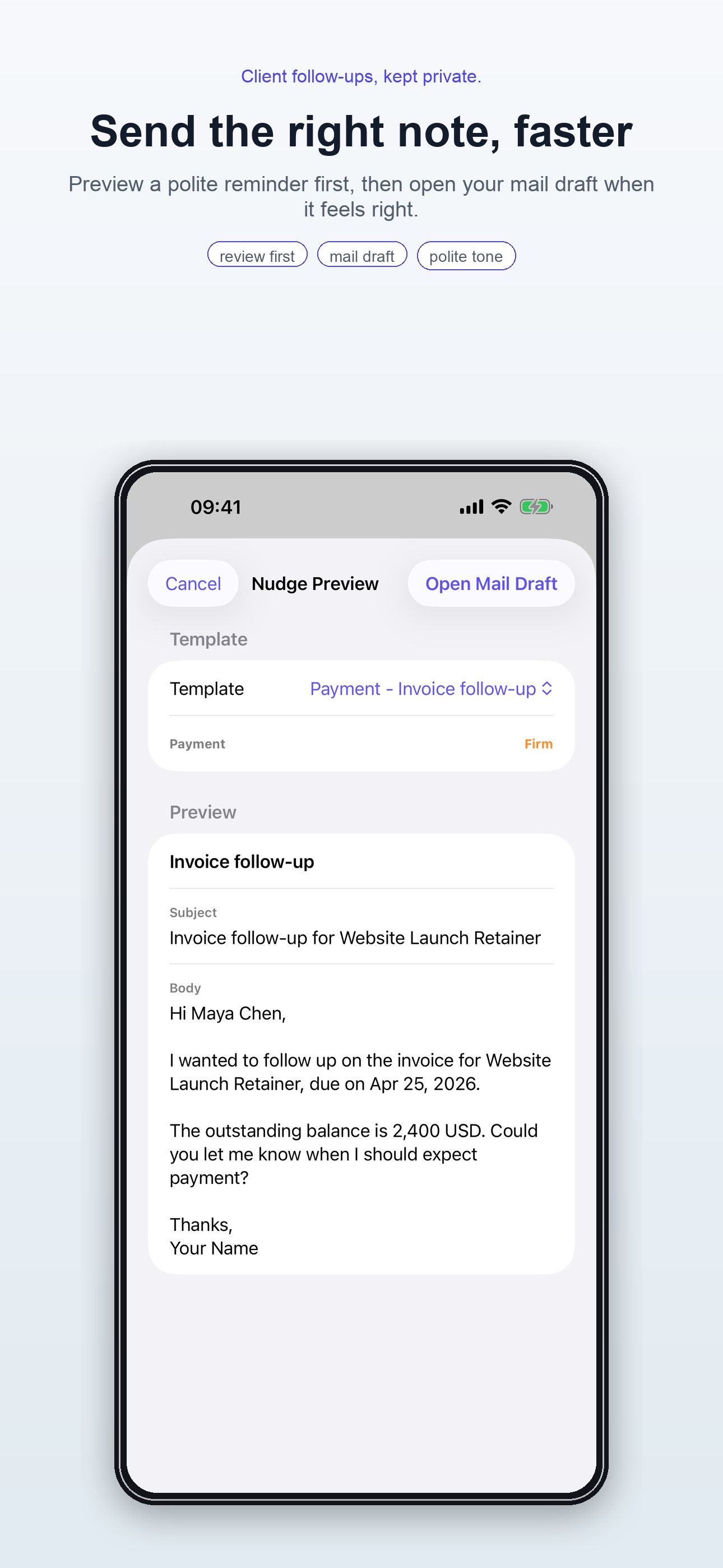
Use polite, firm message templates that sound like a professional checking in, not a collection agency.
No default account, no backend account sync, and no automatic sending. Your client list belongs on your device unless you choose to export it.
The workflow
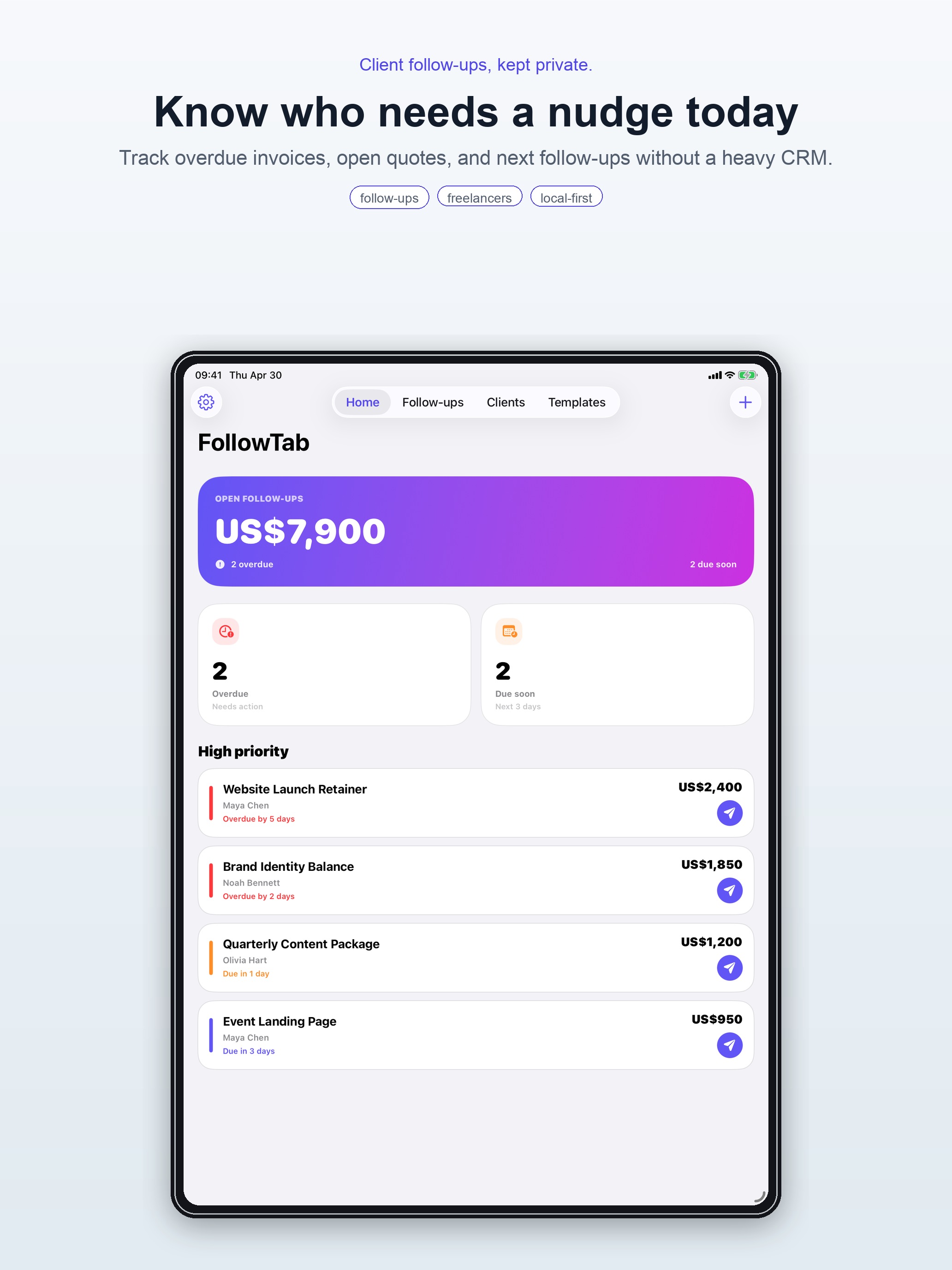
Client, amount or topic, due date, and the reason you need to check back.
Local notifications keep the work visible without turning your phone into a noisy task board.
FollowTab can prepare the draft. You keep the judgment, the tone, and the send button.
Inside the app
FollowTab is small on purpose: reminders, context, and a better first sentence when it is time to follow up.