
A tiny suite of offline AI tools for iPhone
Shipping two small utilities – Photo Space Saver and DocSnap – that run entirely on your device, with no accounts and no tracking.
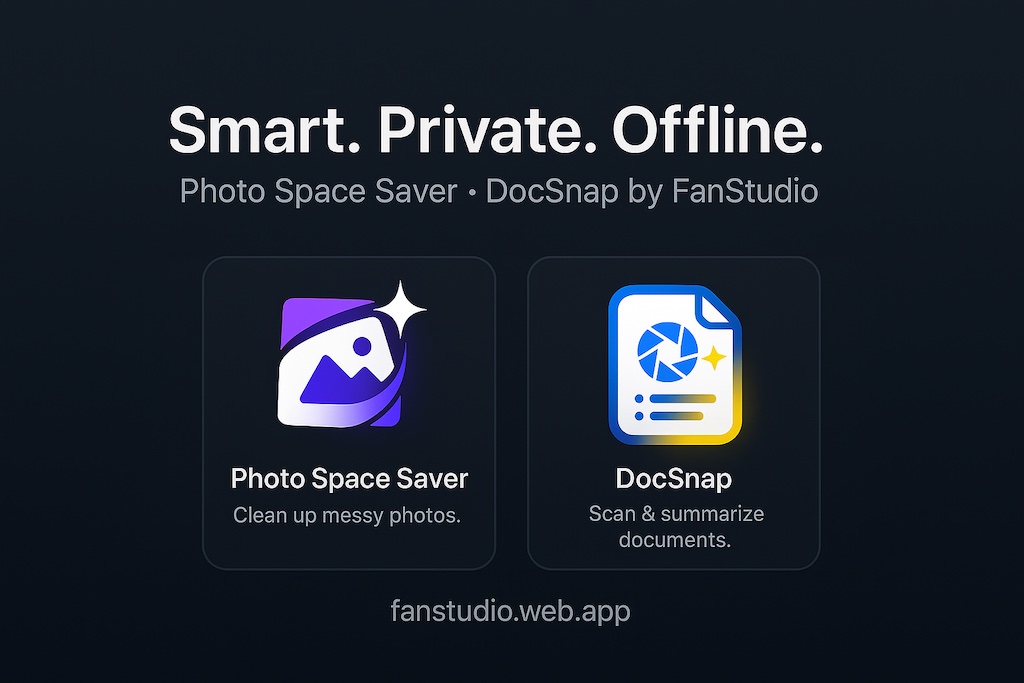
Hey 👋 I’m David, an indie iOS dev building a tiny suite of offline AI tools under the FanStudio name.
The short version: I like my iPhone, but I don’t always like the trade-offs that come with “just upload everything to the cloud and let our servers handle it”.
Over the last few months I’ve been working on two little utilities that scratch my own itches: one for the eternal “iPhone Storage Almost Full” banner, and one for the pile of documents I never feel like re-reading.
This post is a small launch note for both: Photo Space Saver and DocSnap.
Photo Space Saver — for the “iPhone Storage Almost Full” people
My Photos library kept filling up: bursts of almost-identical shots, slightly blurry takes, random screenshots, and big videos I’d completely forgotten about. Going through them inside Photos felt endless, and most of the “cleaner” tools I found started with: sign in, upload your library, trust us.
That didn’t feel great. So I built Photo Space Saver.
- Scans your library on-device and groups similar & blurry photos.
- Surfaces screenshots, screen recordings, and large videos that quietly eat storage.
- Offers Smart Select suggestions that respect favourites, edits, faces, and recent captures.
- Routes deletions through the system “Recently Deleted” album, so you can undo mistakes.
- Runs 100% offline – no servers, no uploads, no background syncing of your camera roll.
The goal is not to be a cloud backup, an AI photo feed, or an automatic memory maker. It’s just a quiet tool you open once in a while, clear a few gigabytes, and then forget about until the next storage banner shows up.
If that sounds useful, you can read more or download it here: Photo Space Saver for iPhone.
DocSnap — offline summaries for everyday paperwork
The second itch lives outside the Photos app.
Like a lot of people, I have receipts in email, contracts in messaging apps, tickets as screenshots, and medical notes as PDFs. When I actually need one of them, I never remember the right keyword to search for – and I don’t love the idea of shoving every sensitive document into a random cloud AI just to ask “what was the amount and date again?”.
That’s where DocSnap comes in.
- Scan paper documents or import PDFs and images from Files, Mail, or other apps.
- Run OCR entirely on-device so the text becomes searchable.
- Generate short summaries and bullet points you can skim in a few seconds.
- Auto-suggest simple categories like Finance, Legal, Medical, Travel, etc.
- Export the result back into Files, Notes, or your task manager when you need it elsewhere.
DocSnap doesn’t try to be a full document management system. It’s more of a small habit: whenever you see an important document, you scan or import it once, tag it, and move on.
The common thread with Photo Space Saver is the same rule: processing happens on your device, or we don’t ship it.
(If you’re curious, you’ll find DocSnap on the FanStudio home page – and yes, it keeps everything offline too.)
Why offline? (again)
A lot of consumer AI tools assume you’re happy uploading everything. Sometimes that’s fine. But for many people (including me), there’s a long list of things that feel uncomfortable to upload:
- Personal photos and videos, especially of other people.
- Financial documents, contracts, ID photos, travel tickets.
- Anything that mixes your life with someone else’s data.
So the rule of thumb for FanStudio apps is:
If a feature can’t be built to run locally, we think very hard before adding it – and usually don’t.
In practice that means:
- No surprise accounts. If an app doesn’t obviously need a login, it won’t ask for one.
- No third-party tracking SDKs stitched in “just in case”.
- Small binaries and one-time unlocks instead of complicated subscription funnels.
None of this is “anti-cloud”. The cloud is great for backups and collaboration. But there is a big, under-served space for tools that stay with you, on the device in your pocket, and don’t need to phone home to be useful.
What’s next for this tiny suite
Right now the “suite” is small on purpose: Photo Space Saver for camera roll clutter, DocSnap for everyday documents.
On the whiteboard there are more ideas: better on-device search for documents, smarter but still-offline photo organisation, little helpers that reduce noise instead of adding more feeds and notifications.
If any of this resonates with you, there are a few simple ways to follow along:
- Try Photo Space Saver and send feedback – what helped, what felt confusing.
- Keep an eye on new utilities on the FanStudio home page.
- Say hi on X at @FanStudioApps.
Thanks for reading – and if your iPhone is currently flashing that storage warning, I hope one of these little tools can make it easier to clear out the noise.