Always on device
- Similarity and blur analysis
- Large media categorization
- Cleanup suggestions and sorting
 FanStudio Apps
Get the app
FanStudio Apps
Get the app

Review similar photos and large videos with on-device analysis.
Free full-library scanning. Optional 48-hour Clean Pass or Lifetime Pro — no recurring billing.
What is processed locally and what never leaves your device by default.
Use Photo Cleaner when the camera roll is too large to clean by memory alone.
Surface screenshots, screen recordings, large videos, and low-value duplicates before you start deleting.
Group near-duplicates and blurry shots so you can compare before keeping or removing anything.
Smart Select can speed up cleanup, but final deletion still goes through review and the Photos delete flow.
Analysis runs locally by default, without sending your library to a server for cleanup suggestions.
A quick look at the workflow.
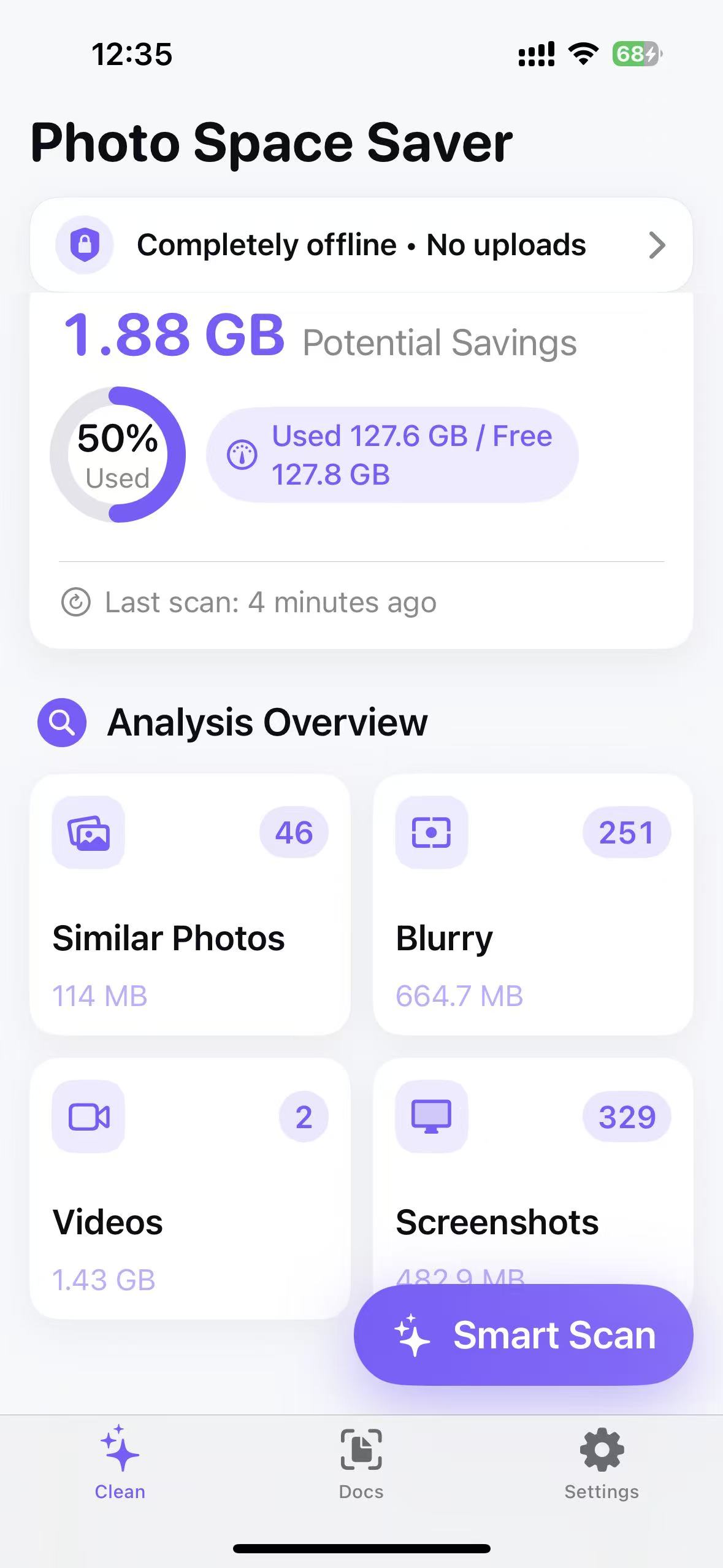
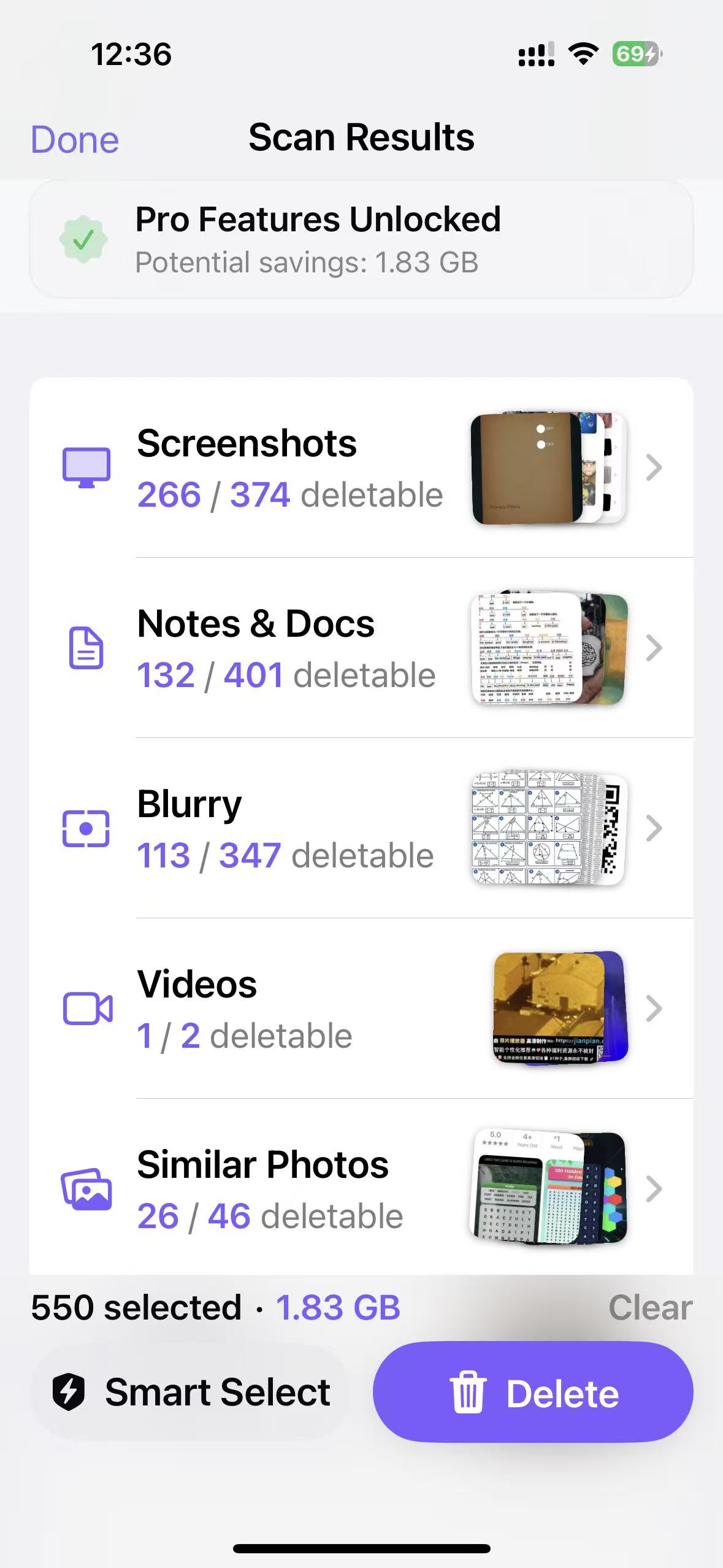
Start with a free full-library scan. Choose an upgrade only when its tools save you time.
Try the workflow
Single charge; no automatic renewal
For a focused cleanup session. Remaining time is not restored after reinstall or on another device.
One-time purchase; no recurring billing
Restorable with the same Apple ID after reinstall or on another device.
Exact pricing and feature availability are listed in the App Store.
Short answers to common questions.
No. Matching and analysis run on your device. iCloud Photos may download a resource through Photos so it can be processed.
You can usually recover it from Apple Photos > Recently Deleted during Apple's retention window.
Full foreground-library scanning is free. The 48-hour Clean Pass adds Smart Select and bulk actions; Lifetime Pro adds those tools plus background monitoring and Scan Rules.
No. The Clean Pass is a single 48-hour charge with no automatic renewal, and Lifetime Pro is a one-time purchase with no recurring billing.
No account · On-device analysis · Review before delete